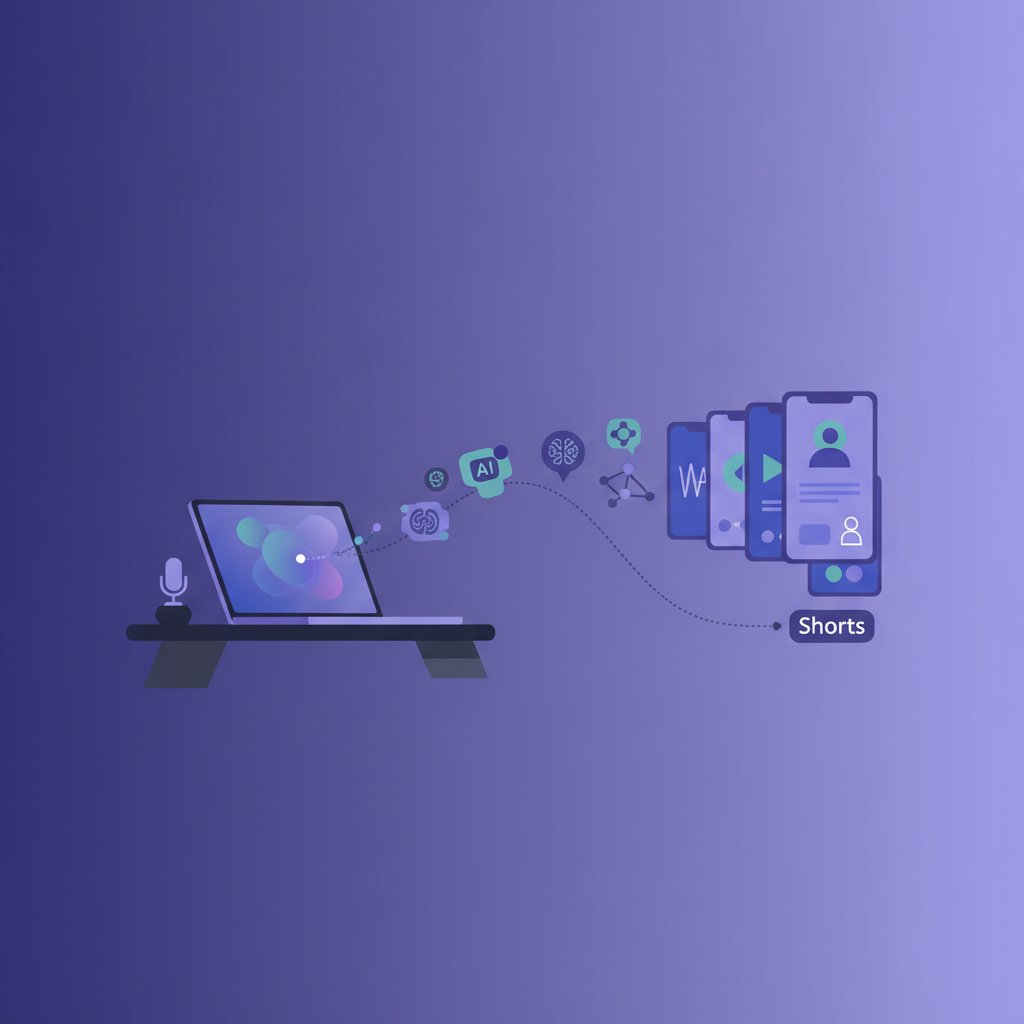
My Full AI YouTube Shorts Pipeline: From Script to Screen for Solo Creators
As a solo entrepreneur running several AI-automated content businesses here in Seoul, I know firsthand the struggle of keeping up with content demands. YouTube Shorts, in particular, are a massive growth opportunity, but they can be incredibly time-consuming to produce consistently. That’s why I’ve spent months refining a robust AI pipeline that takes my content from an initial idea to a polished Short, ready for upload. This isn’t theoretical; this is the exact system I use for my own channels.
The problem is simple: You need to be everywhere to reach your audience, and Shorts offer unparalleled discoverability. But who has the time to script, record, edit, and caption dozens of short videos every month? I certainly don’t, not while also managing blogs, long-form videos, and the general grind of a solopreneur. My AI-powered workflow solves this by automating the most repetitive and time-consuming parts of the process, freeing me up to focus on strategy and the final creative touches.
My AI-Powered YouTube Shorts Pipeline: From Idea to Upload
Step 1: Content Foundation – The Source Material
Every Short needs a core message. For me, this usually comes from two places: existing long-form content (blog posts, longer YouTube videos, podcast episodes) or a fresh idea generated specifically for a Short. I primarily use Notion to organize my content calendar and store outlines of my long-form pieces. This makes it easy to identify key insights, actionable tips, or compelling stories that can be distilled into a 30-60 second video.
When I set this up for my own channels, I started by auditing my most popular blog posts. I looked for sections that were self-contained, offered clear value, and could spark curiosity quickly. Don’t underestimate the power of repurposing; it’s the foundation of scalable content creation.
Step 2: Script Generation & Refinement with LLMs
This is where the magic of large language models (LLMs) comes in. I leverage ChatGPT, Claude, or Gemini to transform my source material into concise, engaging Shorts scripts. The mistake I made early on was just dumping an entire blog post into the AI and asking for a Short. The results were often generic and lacked punch.
Now, my process is more refined:
- Extract Key Points: I’ll feed the AI the relevant section of my blog post or a bulleted list of ideas. My prompt might be: “Based on this text, identify 3-5 core takeaways that are highly engaging for a solo entrepreneur audience interested in AI tools. Structure them as short, punchy statements.”
- Draft the Script: Once I have the key points, I’ll ask the AI to draft a 45-second YouTube Short script, including a strong hook, a clear problem/solution, and a quick call to action (e.g., “Follow for more AI tips!”). I emphasize conciseness and native YouTube Shorts language.
- Iterative Refinement: I rarely take the first draft. I’ll prompt the AI for revisions: “Make the hook more attention-grabbing,” or “Can you rephrase this to sound more energetic?” Sometimes, I’ll even ask for a few different versions of the hook or CTA to A/B test later.
This step saves me hours of writing and editing, but it requires a human in the loop to guide the AI and ensure the script aligns with my brand voice and desired impact.
Step 3: Voiceover – Bringing Scripts to Life with AI Voices
Once the script is polished, it’s time for the voiceover. For this, I use ElevenLabs. Their synthetic voices are remarkably natural and allow for nuanced emotional expression. The mistake I made early on was using a generic, robotic voice that immediately turned viewers off. Investing in high-quality text-to-speech is non-negotiable for professional-sounding Shorts.
- I input the finalized script into ElevenLabs.
- I select a consistent voice that matches my brand’s persona (or even a cloned version of my own voice, which is an amazing feature).
- I adjust the settings for stability and clarity to ensure the delivery is natural and engaging.
I always recommend checking their official website for current pricing and feature details, as plans can change often, but they typically offer a free tier with paid plans starting in the low double-digit dollar range per month, scaling up based on usage.
Step 4: Visuals – Engaging Your Audience
Visuals are crucial for Shorts. I combine several approaches:
Stock Footage & Images
For illustrative B-roll or background clips, I rely on royalty-free stock footage sites like Pexels and Pixabay. For specific concepts that aren’t easily found, I sometimes use paid stock libraries. The key is to find dynamic, short clips that complement the voiceover without distracting from it.
AI Image/Video Generation (Optional but Powerful)
For custom, unique visuals or thumbnails, Midjourney is incredibly powerful. I use it to generate abstract concepts, stylized representations of AI tools, or even specific moods that match the script. While full AI video generation is still evolving, I’ve found that short, punchy AI-generated images or brief animated elements (often created by combining Midjourney images with simple motion in CapCut) can add a unique flair. DALL-E 3 (accessible via ChatGPT Plus) is also fantastic for quick, specific image needs.
For a while, I resisted AI visuals, thinking they’d look too ‘AI’ or generic. But with careful prompting and refinement, they can elevate the production value significantly, especially for niche topics where stock footage is scarce.
Step 5: Editing & Captioning – The Production Hub
This is where all the elements come together. My go-to tool is CapCut (both desktop and mobile versions). It’s incredibly user-friendly and packed with AI features that streamline the editing process for Shorts.
- Import & Sync: I import the ElevenLabs voiceover and relevant stock/AI visuals. I sync the visuals to the audio, cutting quickly to keep engagement high.
- Auto-Captioning: CapCut’s auto-captioning feature is my secret weapon. It transcribes the voiceover with high accuracy, saving hours of manual work. I then quickly review and adjust any errors. Dynamic, engaging captions are non-negotiable for Shorts, as many people watch without sound.
- Text Overlays & Graphics: I add on-screen text overlays for key points, calls to action, or engaging questions. Canva is excellent for quickly creating branded title cards or graphical elements that I can then import into CapCut.
- Sound Effects & Music: CapCut has a built-in library of trending sounds and royalty-free music. I add subtle sound effects to punctuate key moments and background music to set the tone, ensuring it’s not too loud.
- Dynamic Cuts & Effects: I use CapCut’s various transitions and effects sparingly to keep the video visually interesting. Fast cuts are key for Shorts.
CapCut truly makes professional-level Shorts editing accessible to solo creators, largely due to its intelligent automation features.
Step 6: Automation & Workflow – The Scalability Layer
This is where the ‘pipeline’ truly becomes automated. While not every single step is hands-off, I’ve built connections to streamline the entire process. For this, I use workflow automation tools like Zapier, Make, or n8n.
Here are a few examples of automations I’ve implemented or plan to:
- Content Idea Trigger: When I publish a new blog post (via WordPress), an automation can push the text to an LLM via API to generate 3-5 potential Shorts ideas and save them to my Notion database.
- Script Approval Notification: Once a script is finalized in Notion, it can trigger a notification to my editing team (which is just me, for now!) that it’s ready for voiceover.
- Asset Management: After a voiceover is generated by ElevenLabs (if I’m using their API), it can automatically upload the audio file to a designated cloud storage folder, making it easy for CapCut to access.
- Post-Production Check: Once a CapCut project is exported to a specific folder, an automation can notify me to review the final video and prepare it for upload.
Building these automations took time and a bit of technical tinkering, but it’s what truly scales my content production. Each of these platforms offers various pricing tiers, usually with a free tier and paid plans starting in the $20-50/month range depending on usage and features. Always check their official pricing pages for the most up-to-date information.
Step 7: Publishing & Optimization
The final step involves uploading the Short to YouTube Studio and optimizing it for discoverability. Even with AI creating the video, the human touch in the title, description, and thumbnail is critical.
- Title & Description: I craft a catchy, keyword-rich title and a brief description that encourages engagement.
- Hashtags: I use relevant hashtags to help YouTube understand the content.
- Thumbnail: While YouTube auto-generates Shorts thumbnails, I often upload a custom one created in Canva, as a compelling thumbnail can significantly impact initial clicks.
- Scheduling: I schedule uploads to maintain consistency, often several per week.

My Take: Is an AI YouTube Shorts Pipeline Worth It?
Absolutely, yes. For solo creators and small business owners, this pipeline isn’t just a ‘nice-to-have’—it’s a game-changer for consistency and reach. It allows me to produce a high volume of engaging Shorts without burning out, ensuring my channels stay active and discoverable.
However, it’s not a magic bullet. Here’s what you need to know:
- It requires setup time: Building this entire pipeline from scratch takes effort and learning. Don’t expect instant results.
- Human oversight is crucial: AI excels at automation, but it still lacks true creativity, nuance, and an understanding of specific brand voice or audience emotion. Every script needs review, every voiceover needs a listen, and every video needs a final check before publishing.
- AI isn’t perfect: LLMs can hallucinate, voiceovers can mispronounce, and auto-captions can have errors. Be prepared to fix these.
- Creativity is still key: The AI provides the tools and the heavy lifting, but *your* unique insights, storytelling, and strategic input are what will make your Shorts stand out.
If you’re willing to invest the initial time and stay actively involved in the review process, this AI pipeline will dramatically increase your capacity to create valuable, engaging YouTube Shorts. It’s about working smarter, not just harder.
FAQ
How long does it take to set up an AI YouTube Shorts pipeline?
Setting up the full pipeline, from integrating LLMs to understanding CapCut’s features and potentially configuring automation tools, can take anywhere from a few days to a few weeks, depending on your technical comfort level and how many components you choose to implement. The initial investment in learning and setup pays off rapidly in terms of ongoing time savings.
Can AI fully replace a human editor for Shorts?
Not entirely, and I wouldn’t recommend it. While AI tools like CapCut offer incredible automation for captions and basic cuts, a human editor provides the crucial creative direction, ensures brand consistency, adds emotional resonance, and makes the final judgment calls on pacing, music, and overall viewer experience. AI is a powerful assistant, not a full replacement.
What’s the biggest challenge when using AI for YouTube Shorts?
The biggest challenge is maintaining authenticity and originality. Without careful prompting and human review, AI-generated content can often sound generic or repetitive. It’s essential to infuse your unique perspective, brand voice, and specific insights into every stage of the pipeline to avoid creating content that feels like it came straight from a machine. Over-reliance on AI without human oversight can lead to a lack of genuine connection with your audience.
Keep Reading
- AI Music Generator Copyright: Rights and Reality for Solo Content Creators
- Text-to-Video AI in 2026: What It Can and Can’t Do Yet for Solo Creators
- CapCut AI for Solo Creators’ YouTube Shorts Workflow
- AI Video Dubbing: Solo Creator’s Guide to Reaching Global YouTube Audiences