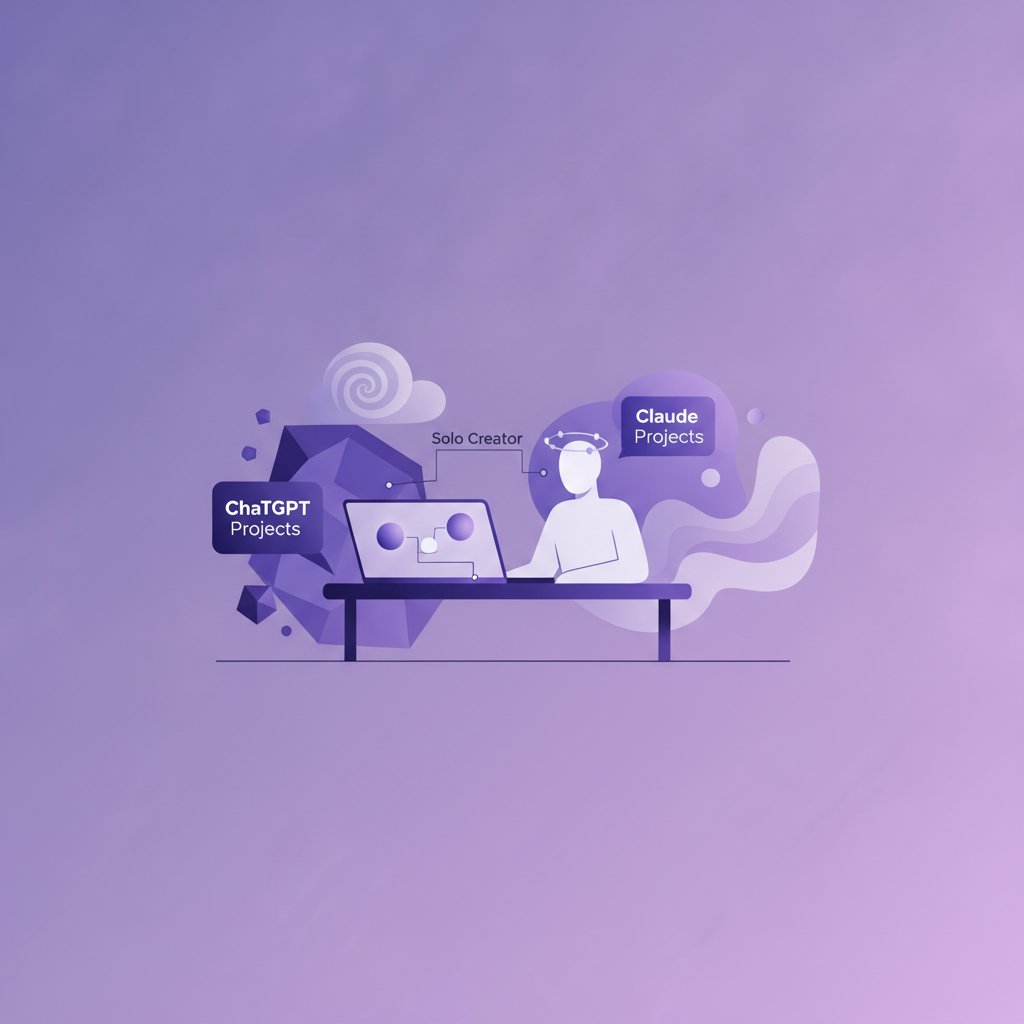
ChatGPT Projects vs Claude Projects for Solo Creators
Context Loss Is the Ultimate Solo Productivity Killer
Last month, I caught myself losing nearly two hours in a single afternoon re-uploading brand guidelines, tone rules, and HTML formatting requirements across five different chat windows. Running a portfolio of niche blogs and automated YouTube channels from my apartment in Seoul means context switching happens constantly. One hour I am generating video scripts for a tech channel; the next, I am editing long-form articles for an English learning site.
When you work alone, every minute spent re-explaining your business rules to an AI assistant is wasted leverage. Both OpenAI and Anthropic recognized this friction and introduced context containers: ChatGPT Projects and Claude Projects. Both features let you bundle custom instructions, uploaded reference files, and targeted chats into dedicated workspaces.
However, after running my daily content pipelines through both systems for several months, I found they handle context, writing nuance, and technical task execution very differently. Choosing the right one for your setup depends heavily on whether your business relies more on raw text quality or multi-tool integration.
How Projects Work in Both Ecosystems
At their core, both tools solve the same issue: they act as a central folder for a specific business unit or creative project. Instead of pasting your brand voice document into every new prompt, you drop the document into a Project workspace once, and every conversation opened inside that workspace automatically pulls from it.
Both platforms offer a basic free tier for general chat, while advanced project features sit behind paid subscriptions in the $20/month range per user. Because limits, features, and model rollouts change frequently, you should always check the official OpenAI and Anthropic pricing pages for current details.
ChatGPT Projects
ChatGPT Projects allow you to group custom instructions, files, and chat histories under a unified tab. You can attach reference documentation—such as PDF guides, raw text data, or code files— directly to the project workspace. Any chat initiated inside that project references those background files automatically.
In my experience running automated blog pipelines, ChatGPT Projects shine when paired with custom GPTs, web searching capabilities, and Python execution via Code Interpreter. If a project requires pulling fresh web search data or generating clean HTML layout blocks, ChatGPT stays inside its designated guardrails remarkably well.
Claude Projects
Claude Projects focus heavily on deep document synthesis and workspace context. A Claude Project gives you a massive context window paired with a dedicated area called Project Knowledge. You can upload entire books, style guides, code repositories, or transcripts into this space.
Anthropic also introduced Artifacts, which pop up on a dedicated right-hand side panel during chats. When working inside a Claude Project, any generated script, HTML document, or markdown draft appears in this visual workspace. This setup makes editing multi-section blog posts or long video scripts side-by-side far cleaner than constantly scrolling through a vertical chat interface.
Hands-On Comparison: Four Real-World Workflows
To evaluate chatgpt projects vs claude projects fairly, I ran identical content operations through both platforms. Here is how they stack up in everyday solo business operations.
1. Writing Style and Tone Consistency
When running multiple blogs, tone consistency is critical. The mistake I made early on was assuming that providing a style guide document would produce identical results on both tools. It did not.
Claude Projects handle style guides with superior subtlety. When I upload my editorial guidelines into a Claude Project, the generated drafts mirror human rhythm, varying sentence lengths naturally and avoiding corporate clichés without constant nagging. It absorbs subtle instructions like “write like an experienced operator, not a marketer” and executes them consistently across twenty consecutive chats.
ChatGPT Projects follow instructions closely, but the output often feels rigid. Even with detailed instructions uploaded to the project context, ChatGPT frequently falls back on predictable transitional phrases and overly balanced paragraph structures. You can prompt it out of those habits, but it takes more manual editing during final review.
2. Complex Document Processing and Context Size
If your workflow involves feeding raw interview transcripts, dense technical PDFs, or massive competitor content audits into a project, context window size and retention matter immensely.
Claude Projects win easily on context volume. You can load a 50,000-word source library into the Project Knowledge section, and Claude 3.5 Sonnet will recall specific details from deep within those files without hallucinating connections. When I draft scripts for my long-form YouTube videos, I drop three separate book summaries and five research papers into a single Claude Project, and it cross-references them flawlessly.
ChatGPT Projects handle standard file uploads well, but when the context grows dense, it tends to rely heavily on retrieval search behind the scenes. This means it sometimes misses subtle nuances embedded deep inside attached files, retrieving only the most obviously matching chunks.
3. Formatting, Schema, and Technical Tasks
Not all solo work is creative writing. A large portion of my daily schedule involves generating valid schema markup, creating custom WordPress HTML layouts, and writing quick automation scripts for Zapier or Make.
This is where ChatGPT Projects take the lead. When I set up a technical project containing my site’s custom CSS classes and JSON-LD schema guidelines, ChatGPT generates clean, error-free code blocks almost every time. Its built-in code execution environment allows it to check its own math and parse data files without crashing.
Claude Projects can output beautiful code and front-end components into Artifacts, but for raw back-end logic, data manipulation, or strict structural JSON generation, it occasionally drops bracket syntax or hallucinates custom attributes if the prompt context is overly long.
4. Feature Breakdown Comparison
| Feature Area | ChatGPT Projects | Claude Projects |
|---|---|---|
| Core Focus | Tool integration & execution | Deep reading & natural voice |
| Workspace Interface | Standard chat list | Split-screen with Artifacts |
| Web & Data Tools | Native web browsing & Python | No live web search in project |
Where Each Tool Falls Short
Building trust with AI pipelines requires understanding failure modes. Neither platform is perfect, and relying on either blindly will break your workflows.
The biggest downside of ChatGPT Projects is tone decay over long sessions. In a long conversation inside a project, ChatGPT slowly forgets the uploaded custom instructions and reverts back to its default assistant personality. You often have to start fresh chat threads within the project to restore strict rule compliance.
The main bottleneck with Claude Projects is strict message limits and lack of real-time web access. Even on paid tiers, heavy usage inside a project with a massive knowledge base consumes your message quota quickly. Once you hit the limit, your workflow grinds to a complete halt for hours. Furthermore, because Claude Projects cannot browse the live web natively, you cannot ask it to analyze a live competitor URL unless you manually scrape the text and upload it to the project files first.

My Take
If I were forced to pick only one platform to run my entire solo business today, I would pick Claude Projects, but with a major caveat.
For content creators, writers, and publishers, text quality is the product. Claude Projects write significantly better text, synthesize background research with greater accuracy, and offer a vastly superior split-screen editing workflow through Artifacts. The time I save editing natural-sounding prose far outweighs the inconvenience of copying and pasting web research manually.
However, the ideal setup—and the one I actually run in Seoul—is a hybrid split:
- Use Claude Projects for: Blog post drafting, YouTube scriptwriting, brand voice guidelines, and deep document research.
- Use ChatGPT Projects for: Keyword data processing, web research, technical schema creation, and drafting python scripts for automation platforms like Make and n8n.
If your budget only allows for one paid subscription around $20/month, start with Claude Projects if your primary bottleneck is content production quality, or start with ChatGPT Projects if your primary bottleneck is technical execution and real-time research.
FAQ
Are ChatGPT Projects and Claude Projects available on free tiers?
Both platforms offer basic conversational chat on free accounts, but dedicated Project features—such as custom uploaded knowledge bases, persistent workspace rules, and advanced context tracking—are generally locked behind paid individual tiers. Check official OpenAI and Anthropic pricing pages for current feature matrix updates.
Can I share my Projects with team members or external clients?
Yes, both platforms support sharing project spaces, but the mechanisms differ. ChatGPT allows workspace sharing across team accounts, while Claude Projects enable direct sharing of project files and artifacts within organization workspaces. If you hire freelance editors, sharing a Claude Project keeps them locked into your exact brand tone guidelines without manual onboarding.
Which project feature is better for long-form SEO content?
Claude Projects are better for writing the actual content because they produce more varied sentence structures and handle large research bases without sounding robotic. However, ChatGPT Projects are better for the planning phase, as they can browse live search engines to analyze current top-ranking pages and outline content structures before you write.