ElevenLabs vs Canva Voice: Which AI Audio Fits Your Videos?
At a glance
- In shortA comparison of ElevenLabs and Canva AI Voice to help video creators choose the right audio workflow.
- Best forFaceless video creators and solopreneurs
- Tools coveredElevenLabs, Canva, Murf.ai
- PricingFreemium
- Skill levelBeginner
- Key pointsElevenLabs provides realistic voices with pitch controls and voice cloning. · Canva offers convenient, built-in text-to-speech on a visual editing timeline. · ElevenLabs fits long-form storytelling; Canva suits quick promotional videos.
- Heads-upHigh stability settings in ElevenLabs can remove natural human cadence.
The Audio Dilemma for Faceless Video Creators
I spent three hours late one night in my Seoul studio tweaking a single audio track for a faceless YouTube video. The voice sounded completely flat every time it read a technical term, ruining the retention rate on a channel I was trying to scale. At the time, I was trying to figure out if I could simplify my stack by migrating my entire voiceover workflow into Canva, or if I needed to keep paying for a dedicated engine like ElevenLabs.
When you run multiple AI-automated channels and blogs as a solo creator, every extra subscription and step in your rendering pipeline matters. You want crisp, natural-sounding voiceovers that do not alienate listeners, but you also want a frictionless editing process that lets you publish consistently without spending all day syncing timelines.
The debate around elevenlabs vs canva voice comes down to a fundamental choice: do you need surgical control over emotional tone and voice cloning, or do you need rapid visual assembly where audio is just one built-in component? Here is how both tools stack up based on my experience using them across different content formats.

The Workflow Battle: Audio Specialist vs Visual Studio
The core difference between these two options lies in how they fit into your production pipeline. ElevenLabs is built specifically for generative audio. Canva is an all-in-one graphic design and visual editing suite that integrates third-party AI voice apps into its asset panel.
How ElevenLabs Handles Video Audio
ElevenLabs operates as a dedicated audio workshop. You input your script, select or create a voice model, adjust stability and clarity sliders, generate the speech file, and export high-bitrate audio. From there, you import the MP3 or WAV file into your video editing software, such as CapCut, Premiere Pro, or Canva itself.
The advantage of this standalone approach is precision. You can pause between sentences, add manual speech tags, prompt emotional inflections, and generate multiple takes of a specific line without re-rendering an entire video project.
How Canva AI Voice Generator Works
Canva handles text-to-speech through native features and integrated apps inside its editor studio (such as Murf.ai, Google Cloud Text-to-Speech, or proprietary Canva AI apps). You paste your script into an app block directly inside your video timeline, choose a voice profile, and generate the speech directly onto the audio track.
This eliminates the download-and-upload loop entirely. If you alter your script mid-edit, you can regenerate the line on your visual timeline without leaving the design interface. However, control over pacing, cadence, and subtle vocal shifts is far more constrained compared to a dedicated platform.
Voice Quality and Emotional Nuance
Vocal realism directly affects video retention, especially on long-form YouTube content where viewers drop off the moment an automated voice sounds repetitive or robotic.
ElevenLabs Realism
When I set up voiceovers for my long-form narrative channels, ElevenLabs remains the standard. Its deep learning models capture micro-pauses, breathing patterns, mid-sentence pitch variations, and emotional weight. If your script requires an empathetic, casual tone or an authoritative, documentary-style delivery, you can tweak the stability and style exaggeration sliders to achieve it.
The mistake I made early on was leaving the stability setting too high. High stability produces smooth speech, but it removes human cadence. Lowering stability slightly gives the voice room to breathe, which makes a massive difference in viewer retention.
Canva AI Voice Quality
Canva’s voice tools are clean and highly usable, but they generally lean toward standard text-to-speech output. They work well for short-form social media ads, quick explainer graphics, slide presentations, and simple promotional clips where the viewer’s focus is primarily on visual elements.
However, across long audio tracks, Canva’s native AI voices tend to sound uniform. They lack the nuanced pitch shifts required for storytelling, dramatic pauses, or subtle sarcasm. If your content relies heavily on spoken narrative without constant visual cuts, listeners will spot the synthetic nature quickly.
Voice Cloning and Language Capabilities
If you produce content across multiple regions or want to build a recognizable personal brand without recording every script manually, custom voice features are critical.
Cloning Capabilities
- ElevenLabs: Offers both instant voice cloning (using short audio samples) and professional voice cloning (requiring longer training datasets). You can clone your own voice or synthesize entirely original synthetic personas. This allows you to scale channels with a consistent narrator voice that belongs exclusively to your brand.
- Canva AI Voice: Does not focus on custom voice training or deep voice cloning. You are generally restricted to a library of pre-set voice profiles provided by Canva’s app ecosystem.
Multilingual Support
Operating out of Seoul, I often experiment with localized content across different languages. ElevenLabs supports automated translation and dubbing, maintaining the speaker’s original vocal timbre while translating speech into over 20 languages. Canva supports multiple languages across its text-to-speech apps, but the voices sound distinctly different when switching between languages, losing vocal consistency.
Pricing and Commercial Usage Breakdown
Pricing structures shift often, so you should always check the official pricing page for each tool before committing to a paid tier. Here is how their pricing models generally operate:
ElevenLabs Tier Overview
ElevenLabs operates primarily on a monthly character subscription model:
- Free Tier: Limited character quota per month, basic features, non-commercial usage requires attribution.
- Paid Tiers: Typically start around $5 to $22 per month for starter and creator tiers, granting higher character limits, commercial usage rights, and instant voice cloning. Scale tiers go higher for heavy monthly volume.
Canva Tier Overview
Canva bundles its AI features into its platform subscription:
- Free Plan: Basic access to canvas tools with strict limits on AI credits and text-to-speech generation apps.
- Canva Pro: Generally around $10 to $15 per month (or annual equivalents). It unlocks full access to premium templates, background removers, and generous monthly AI credits that power text-to-speech extensions.
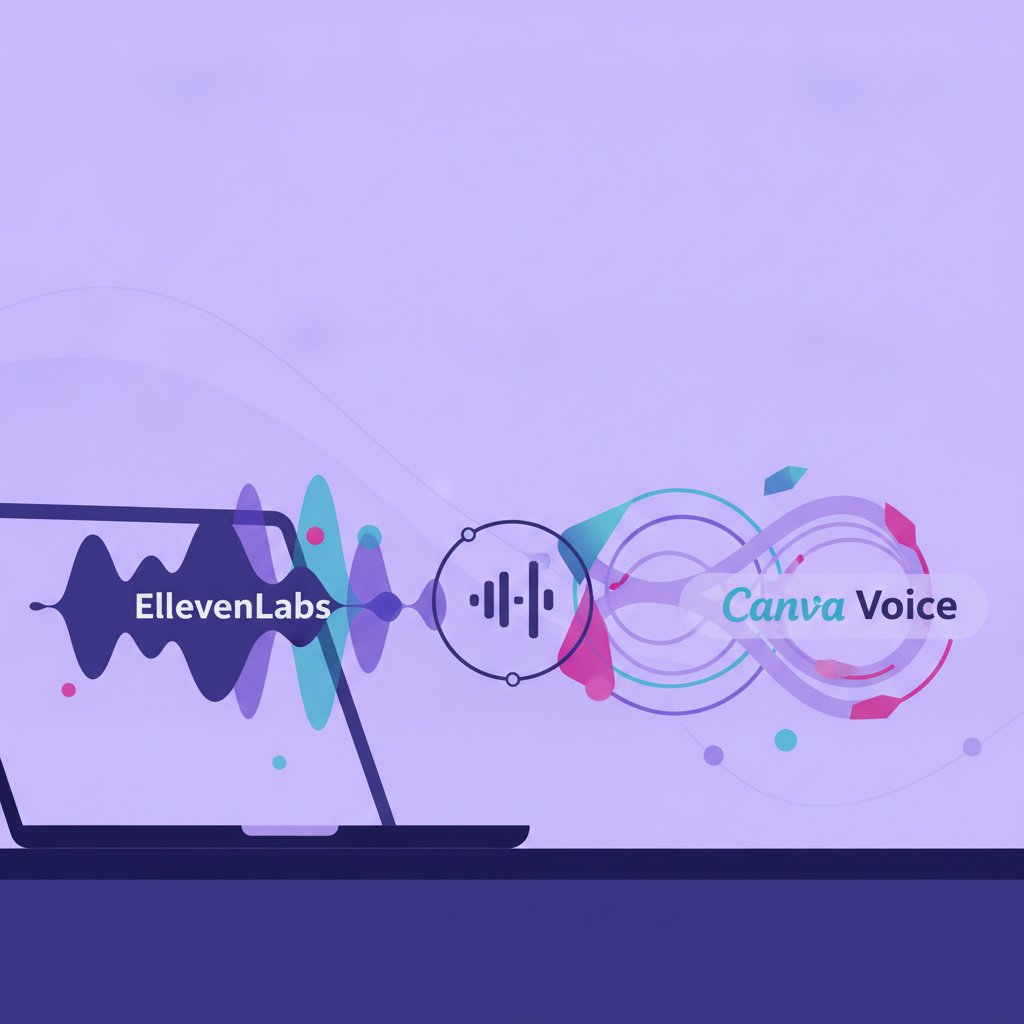
Comparison: ElevenLabs vs Canva Voice
| Feature | ElevenLabs | Canva AI Voice |
|---|---|---|
| Primary Focus | Advanced AI Voice Generation & Audio Editing | Visual Video Design & Asset Assembly |
| Voice Quality | Hyper-realistic with emotional controls | Standard text-to-speech, clean but plain |
| Voice Cloning | Instant & Professional Voice Cloning | Not available / Limited pre-sets |
My Take
If your videos rely on narration as the central driver—such as long-form YouTube essays, audiobooks, faceless documentary channels, or podcasts—ElevenLabs is the clear winner. The depth of audio control, emotional nuance, and voice cloning capability directly translates into better audience retention, which far outweighs the extra step of exporting audio files into an editor.
On the flip side, if you are producing short-form promotional videos, Instagram Reels, Pinterest video pins, corporate presentations, or simple tutorials where visuals do the heavy lifting, Canva AI Voice is more than adequate. It saves time, keeps your assets under one roof, and avoids adding another software subscription to your business stack.
In my own workflow, I keep ElevenLabs active for main YouTube narration pipelines, but I frequently use Canva’s internal tools when creating fast promotional assets or social snippets for my web projects.
FAQ
Can I use Canva voiceovers for monetized YouTube videos?
Yes, provided you are on a Canva Pro plan or using third-party apps within Canva that grant commercial licenses. Always verify the specific licensing terms inside Canva’s legal page and the individual app terms before publishing monetized content.
Does ElevenLabs integrate directly inside Canva?
While third-party integrations change, many creators generate high-fidelity audio files directly inside ElevenLabs and upload them into Canva’s media library as MP3 files to sync with visual elements on the editor timeline.
Which voice generator sounds more natural for long-form narration?
ElevenLabs is vastly more natural for long-form content. Its algorithms handle complex sentence structures, pauses, and emotional tones far better than standard text-to-speech engines found in general design suites.
More on AI Audio & Subtitles
- ElevenLabs & Free AI Voiceover ToolsA guide to using ElevenLabs and free AI voiceover alternatives for solo creators.
- AI Video Dubbing & Subtitles for Solo CreatorsA guide for solo creators on using AI tools to translate, subtitle, and dub YouTube videos for global audiences.
- AI Music Generator Copyright for Solo CreatorsExplores copyright, licensing, and YouTube Content ID risks when using AI music generators.
See every AI Audio & Subtitles post in our AI Image & Video guide.
Handy toolsAI tool ROI calculator · AI tool pricing · AI Tool Finder