Canva AI vs Midjourney for Small Business Visuals
At a glance
- In shortCompares Canva AI and Midjourney on workflow speed, visual quality, and pricing for solopreneurs.
- Best forSolo founders and small business owners
- Tools coveredCanva AI, Midjourney
- PricingMixed
- Skill levelBeginner
- Key pointsCanva AI provides a complete graphic design workflow in one tab. · Midjourney offers top visual quality but lacks native layout tools. · Combine both by generating assets in Midjourney and assembling in Canva.
- Heads-upMidjourney generates standalone images and requires extra software to add text or logos.
I spent three hours inside Discord tweaking prompt parameters trying to generate a background image for a YouTube thumbnail, only to realize twenty minutes later that I still had to export the image, import it into a graphic design tool, add text, and crop it for YouTube’s aspect ratio. On the same afternoon, I needed a simple Pinterest graphic for one of my niche blogs and generated it directly inside Canva in less than sixty seconds.
When running multiple automated content channels and blogs as a solo founder, time is the main constraint. Visual assets consume a huge block of daily working hours. Deciding between Canva AI vs Midjourney isn’t about which tool generates cooler art in a vacuum. It comes down to what kind of visuals your business needs daily and how much friction you can tolerate in your asset pipeline.
The Fundamental Difference: Workflow vs Art Engine
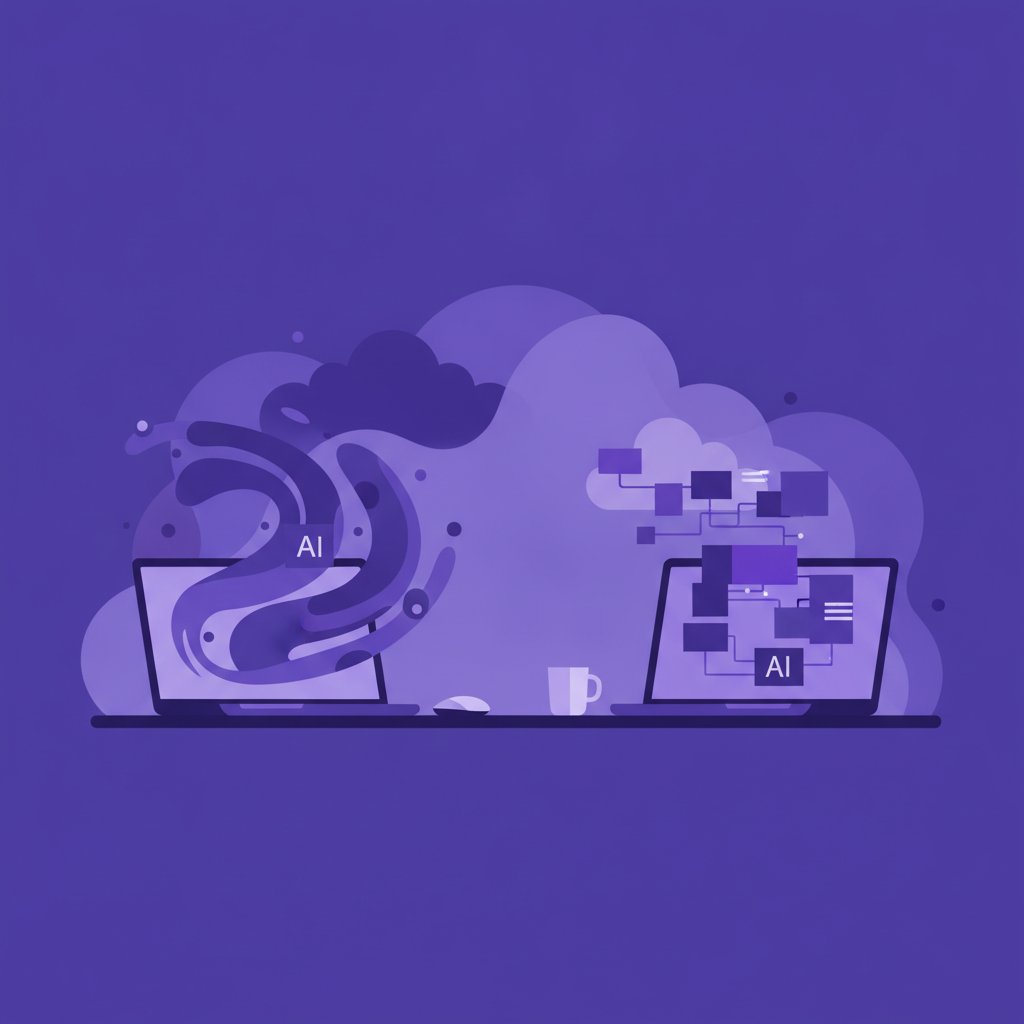
The mistake many creators make is treating these two platforms as direct substitutes for each other. They operate on entirely different philosophies and serve different parts of a visual production pipeline.
Midjourney is fundamentally an image generation engine. It runs primarily through Discord or its dedicated web interface. It specializes in raw artistic capability, photo-realistic lighting, intricate textures, and highly customized visual styles. However, Midjourney generates a standalone image file. It does not handle text layout, multi-layered graphic elements, vector exports, or pre-formatted brand kits.
Canva AI (built into Canva’s design platform) is an end-to-end design environment that happens to include image generation tools. When you generate an image inside Canva, that graphic immediately sits on a canvas where you can overlay branded typography, adjust contrast shapes, apply vector elements, remove backgrounds with a single click, and export directly to specific dimensions for YouTube, Instagram, or WordPress.
Workflow Speed: From Prompt to Published Asset
For high-volume publishing, friction kills momentum. Here is how both tools perform when you need to ship graphics quickly.
Canva AI for Fast Marketing Execution
When I generate featured images for high-output blogs, Canva AI keeps everything in one tab. You type a prompt into the image generator panel, choose a style preset (such as Photo, Digital Art, or 3D), and insert the output straight onto your post template.
- Strengths: Native background removal, instant drag-and-drop onto pre-sized templates, instant typography overlay, seamless brand color integration.
- Weaknesses: Photorealism can look slightly plastic or bland compared to dedicated AI art models. Complex prompts with multiple specific subjects often get messy or ignore instructions.
Midjourney for Standout Hero Visuals
When I need a striking channel banner or a flagship product mockup that needs to look hyper-professional, Midjourney is unmatched. Its lighting, depth of field, and stylistic nuances give visuals a level of polish that looks like a high-budget commercial shoot.
- Strengths: Industry-leading photorealism, precise stylistic control, consistent artistic coherence, excellent parameter controls for aspect ratios and upscaling.
- Weaknesses: No built-in graphic design tools. To add a title or logo, you must export the render and open another program. Text rendering within images has improved but remains inconsistent for complex brand copy.
Visual Quality and Artistic Control
If visual quality is your highest priority, Midjourney holds a clear advantage. Its engine understands complex prompt instructions, artistic styles, camera angles, lighting conditions, and rendering engines. If you prompt for a specific film stock, lens focal length, or architectural style, Midjourney renders it accurately.
Canva AI is ideal for clean, straightforward graphics. It produces great visuals for standard blog banners, simple social media quote graphics, simple vector-style icons, and standard marketing collateral. However, if you prompt Canva AI for intricate fantasy landscapes or highly detailed close-up portraits, the output often feels closer to stock photography than custom art.
Where Each Tool Fails (Real Limitations)
Being honest about where these tools fail saves hours of frustration during daily operations.
Where Canva AI struggles: The AI image generation quality caps out relatively early. If the initial render isn’t quite right, adjusting the prompt often yields minor variations of the same average image. Fine control over style parameters, aspect ratios, and camera lighting is minimal compared to dedicated generator prompts.
Where Midjourney struggles: Midjourney has a steep learning curve for non-technical users. Prompting relies heavily on specific commands, weights, and parameter tags. The Discord interface can feel cluttered and chaotic for solo founders who just want a fast graphic. Furthermore, using Midjourney alone will not give you finished marketing material—you still need visual layout software to add callouts, buttons, or crisp text.
Side-by-Side Comparison
| Feature | Canva AI | Midjourney |
|---|---|---|
| Primary Strength | All-in-one graphic design workflow | Unmatched AI visual rendering |
| Text Overlay | Full native graphic typography | Basic prompt-rendered text only |
| Learning Curve | Very low (drag and drop) | Moderate (prompt syntax) |
Pricing and Cost Considerations
Pricing structures change frequently, so always consult official pricing pages before committing to a paid plan. However, understanding the general cost models helps set your budget.
Canva offers a functional free tier with limited AI generation credits. Its paid Pro tier generally sits around the $10 to $15 per month range, granting higher generation limits, background removal tools, brand kit storage, and access to premium templates.
Midjourney does not currently offer a permanent free trial. Its basic paid plans usually start around $10 per month for basic GPU generation time, scaling up to around $30 to $60 per month for heavy commercial users who need fast generation modes and private rendering options.
My Take
If you are a solo entrepreneur or small business owner, you should not choose between Canva AI and Midjourney based on hype. Choose based on your actual visual output mix.
If 80% of your business needs consist of social media posts, Pinterest pins, YouTube thumbnails, simple blog headers, and slide decks, Canva AI (or Canva Pro) is the pragmatic choice. The speed of having layout, typography, and AI generation inside one tab far outweighs the raw visual superiority of standalone image engines for day-to-day operations.
However, if your business relies heavily on high-end visual branding, custom concept art, unique merchandise designs, or striking hero graphics that need to look cinematic, Midjourney is worth the extra workflow steps. In my own channels, I use Midjourney to render unique background assets and thumbnail concepts, but I bring those assets straight into Canva to assemble the final published graphic.
FAQ
Can Canva AI completely replace Midjourney for marketing graphics?
For standard visual content like promotional banners, social media templates, and simple blog headers, yes. However, for visual tasks requiring photorealism, detailed fine art styles, or complex visual prompts, Canva AI cannot match Midjourney’s raw visual output quality.
Is Midjourney difficult to use if I am not a prompt engineer?
No. While Midjourney uses prompt parameters like aspect ratios and style weights, basic plain-English prompts yield impressive results. The main learning curve is navigating the Discord interface or web generation platform rather than writing complex code.
Which tool is better for commercial rights and client projects?
Both platforms permit commercial use on their paid subscription tiers. Midjourney explicitly grants commercial rights to generated images on paid plans. Canva permits commercial usage of its AI-generated graphics, though standard copyright regulations around AI-generated media apply to both. Always review the latest terms of service on both platforms for commercial compliance.
More on Graphic & Logo Design
- Canva AI Ebook Cover Design WorkflowA step-by-step Canva AI workflow to quickly design clean, professional ebook covers.
- AI Logo Design with ChatGPT and CanvaLearn how to combine ChatGPT for strategy and icons with Canva for clear, editable logos.
- Turn Text to Social Graphics with ChatGPTLearn three workflows to convert text into publication-ready social media graphics using ChatGPT.
See every Graphic & Logo Design post in our AI Image & Video guide.
Handy toolsAI tool ROI calculator · AI tool pricing · AI Tool Finder