Claude Artifacts vs ChatGPT Canvas for Solo Workflows
I spent three hours last month trying to polish a 2,000-word newsletter inside a standard chat window, constantly scrolling up and down to find the latest draft while lost in a sea of my own prompts. When you run multiple content sites and YouTube channels by yourself, friction like that kills your output. Standard chatbot interfaces were designed for back-and-forth conversation, not for creating structured assets or editing long-form material.
Both Anthropic and OpenAI realized this limitation and built dedicated workspaces: Claude Artifacts and ChatGPT Canvas. While both tools solve the infinite-scroll problem by giving you a dual-pane workspace, they approach solo workflows from completely different angles. I have integrated both into my daily production stack for my English content sites and video automation pipelines, and they excel at very different tasks.
Overview: Two Different Solutions to the Chat Window Problem
Before these dedicated interfaces existed, working with AI meant copying code or draft text back and forth between a chat window and external applications like Notion or Visual Studio Code. If you asked the model to change one sentence in paragraph four, it would either print out the entire document again or output just the changed paragraph, forcing you to manually stitch the text together.
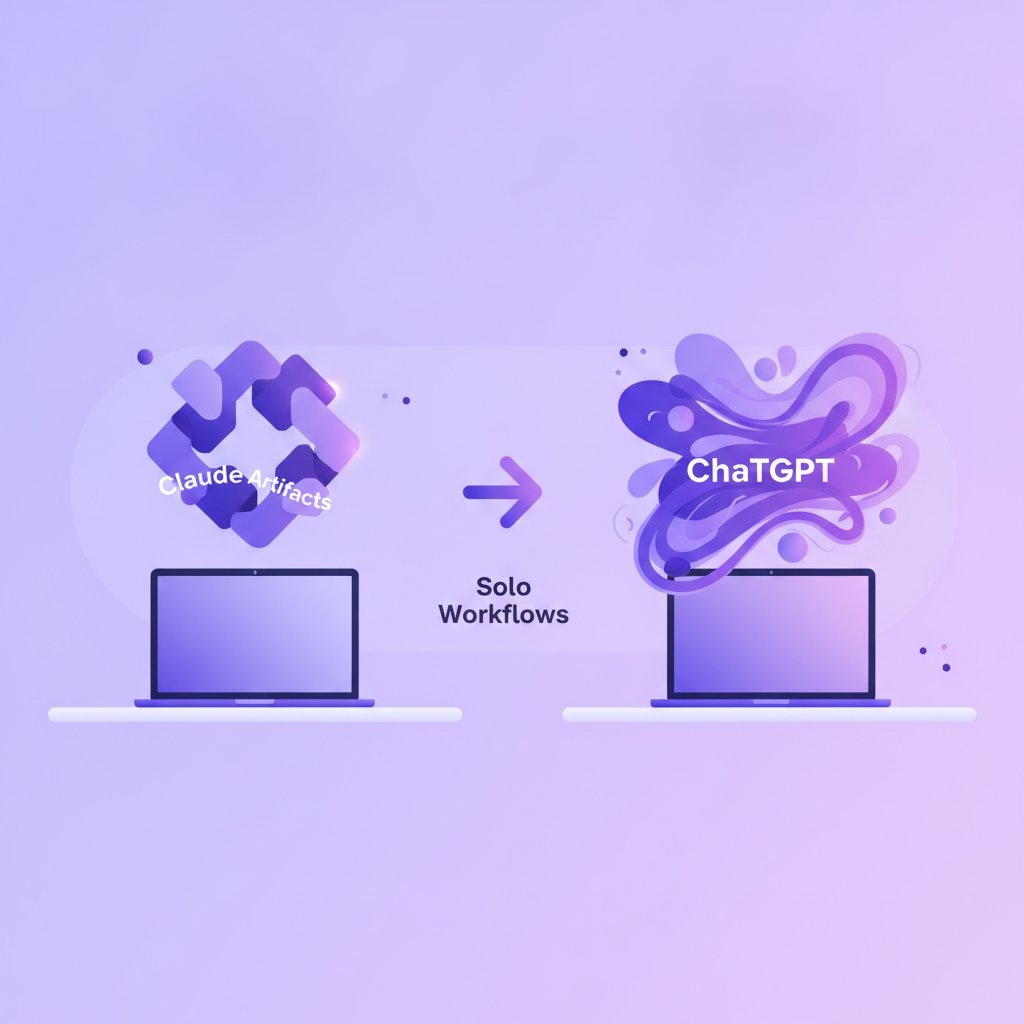
When analyzing claude artifacts vs chatgpt canvas, the main difference lies in visual rendering versus direct text manipulation.
- Claude Artifacts creates a separate, dedicated window alongside your chat whenever the model generates standalone content like code, SVG graphics, interactive web tools, or formatted markdown documents. It treats outputs as standalone, renderable products.
- ChatGPT Canvas creates a collaborative editor window specifically designed for inline drafting and code debugging. It acts more like a live document workspace where you can highlight specific text, adjust length, or ask for inline edits without re-generating the entire output.
How Claude Artifacts Handles Solo Workflows
Claude Artifacts turns the right side of your screen into a dedicated output stage. When I ask Claude to generate a complex web component, an interactive visual calculator for one of my niche blogs, or a complete script outline, it moves that asset out of the chat stream into an independent box.
Where Artifacts Shines
The biggest advantage of Artifacts is live visual rendering. If Claude writes HTML, CSS, JavaScript, or React code, the Artifact window renders it immediately as a working preview. For my content workflow, this is invaluable when building interactive widgets. I can tell Claude to build a simple read-time calculator or budget estimator, watch it render live on screen, test the buttons directly in the preview pane, and tweak the code until it works.
Artifacts also keeps your workspace clean. When you are managing several content pipelines, context switching drains energy. Having your final document sitting neatly on the right while you use the left side exclusively for feedback prevents your screen from becoming an endless wall of text.
Where Artifacts Struggles
The primary weakness of Claude Artifacts is document editing precision. If you want to change two words in the middle of a 1,500-word draft sitting in an Artifact, Claude usually regenerates the entire document inside the Artifact window. While it updates version history (allowing you to toggle back and forth between versions), you cannot simply highlight a sentence inside the output pane and tell Claude, “Rewrite just this sentence to sound less formal.” You still have to give instructions in the main chat box on the left.
How ChatGPT Canvas Handles Solo Workflows
ChatGPT Canvas takes an editorial approach. Instead of treating the generated content as a finished export, Canvas treats it as a working draft in a shared word processor or text editor.
Where Canvas Shines
Canvas is built for line-by-line editorial work. When I draft scripts for my YouTube channels, I rarely want a complete rewrite; I usually want to tighten the hook, expand a middle section, or fix the pacing of a single paragraph. With Canvas, I can select a specific block of text with my cursor and a small popup menu appears, allowing me to give target prompts like “make this punchier” or “add an example here.”
Canvas also includes built-in utility shortcuts tailored for writers and coders. For text, it offers single-click buttons to adjust reading level, fix grammar, add final polish, or adjust document length with a slider. For code, it provides built-in options to add inline comments, port code to different languages, or run bug checks. The ability to manually type directly into the Canvas editor—editing side-by-side with the AI without sending a prompt—makes it feel far more like collaborating with a human editor.
Where Canvas Struggles
Canvas is noticeably weaker when it comes to rendering live visual outputs. While it can run code in certain languages directly within its execution environment, it does not offer the immediate, seamless visual preview for frontend code or SVGs that Claude Artifacts provides so effortlessly. Furthermore, the UI can occasionally feel heavy when switching between simple text chats and full Canvas mode, sometimes triggering the Canvas panel when a standard chat response would have sufficed.
Feature Comparison: Side-by-Side Breakdown
To help you choose the right tool for specific production tasks, here is a quick look at how their core capabilities align:
| Feature | Claude Artifacts | ChatGPT Canvas |
|---|---|---|
| Primary Focus | Rendering standalone assets | Collaborative text & code editing |
| Text Editing | Regenerates full version | Inline selection & block edits |
| Code Preview | Live visual rendering (HTML/React) | Code execution & line editing |
| User Control | Prompt-driven revisions | Direct typing + targeted prompts |
Decision Matrix: Which Tool to Choose
| Choose Claude Artifacts If… | Choose ChatGPT Canvas If… |
|---|---|
| You are building frontend widgets, SVGs, or interactive web prototypes. | You are refining line-by-line long-form text, newsletters, or scripts. |
| You want to see instant visual rendering without leaving the workspace. | You need to highlight specific sentences and run targeted inline prompts. |
| You prefer prompt-driven full iterations with complete version history. | You want to manually type and edit alongside AI generated copy. |
My Take: Which One Belongs in Your Daily Stack?
If you are a solo operator trying to run lean automated workflows, you do not need to pick one exclusively, but you do need to assign them distinct roles in your production assembly line. Here is how I split the work between them in my daily operations:
Use ChatGPT Canvas for editorial refining and script writing. When I am writing long-form blog guides or polishing video scripts, Canvas is superior. The ability to manually edit text inside the pane while using target prompts on specific paragraphs saves me at least thirty minutes per article compared to conventional chat windows. The built-in length and reading level sliders are genuine timesavers when adjusting content tone for different audience segments.
Use Claude Artifacts for web assets, visual tools, and clean output exports. Whenever I need to generate web-ready code, standalone tools for my websites, SVG graphics, or clear, single-pass technical documentation, Claude Artifacts is my first choice. Being able to see and interact with a live web component right next to the code screen eliminates the friction of copying code into a local testing environment.
Worked Example: Time & Cost Math for Solo Creators
Example Scenario: Consider a solo operator running a newsletter and one weekly YouTube channel (producing ~5,000 words of edited content and 2 interactive site widgets per month).
- Time Investment Saved: Using ChatGPT Canvas for targeted block edits saves approximately 30–45 minutes per script by eliminating full-text copy-pasting, totaling ~3 hours saved weekly. Using Claude Artifacts for immediate frontend UI preview saves another 1–2 hours per interactive widget, bringing total time savings to roughly 4 to 6 hours per week.
- Rough Monthly Cost Math: Both tools offer standard access via free tiers, while full subscription tiers typically cost approximately $20/month per platform (~$40/month combined if you maintain both subscriptions). Always verify current subscription tiers and rate limits directly on official provider sites before relying on exact figures.
Regarding costs: both tools offer entry-level access on their standard free tiers, though usage limits apply quickly when working on complex tasks. Both OpenAI and Anthropic offer full access to these features on their paid subscription tiers, which generally run in the $20 per month range per platform. Always check the official pricing pages for Claude and ChatGPT directly, as tier limits, model access, and pricing structures update frequently.
If I were forced to pick just one strictly for content creation today, my vote goes to ChatGPT Canvas because of its inline editing capabilities. But if my primary work involved web design, front-end prototyping, or generating interactive visual components, Claude Artifacts remains unmatched.
Key Takeaways
- ChatGPT Canvas excels at text editing: Use Canvas for line-by-line editorial polish, selective rewrites, and direct manual co-writing.
- Claude Artifacts excels at visual rendering: Use Artifacts for live previewing HTML/React code, SVG graphics, and standalone web utilities.
- Workflow efficiency comes from pairing both: Assigning Canvas to writing/scripting and Artifacts to web assets creates an optimal dual-tool solo stack.