
Notion AI vs Custom GPTs for Solo Knowledge Management
Last November, I spent four hours searching through my own archives trying to find a specific video script outline I wrote six months earlier. Running multiple AI-assisted YouTube channels and blogs from my studio in Seoul means I generate millions of words of raw transcripts, content ideas, and technical notes every year. When your personal knowledge base grows that fast, standard keyword search completely breaks down.
To fix this bottleneck, I spent months testing two popular AI approaches to solo knowledge management: Notion AI built directly into my existing workspace, and dedicated Custom GPTs built inside OpenAI’s platform. Both promise to act as a second brain that remembers everything you write, but they work in fundamentally different ways. If you are choosing between a notion ai vs custom gpt setup for your one-person operation, here is how they actually perform when you put real workload pressure on them.
Understanding Notion AI for Knowledge Management
Notion AI operates directly inside the pages and databases where you store your daily work. Instead of moving data into an external tool, the AI lives alongside your docs, tasks, and content schedules.
Where Notion AI Wins
The single biggest advantage of Notion AI is context proximity. Because it operates inside your workspace, you can highlight a rough section of video research, ask the inline AI to turn it into an outline, and place the output directly into your editorial calendar page without leaving the tab.
- Workspace Q&A: You can ask questions like “What were the key takeaways from my sponsor calls last month?” and Notion AI will scan your pages to synthesize an answer with direct links to the source documents.
- Database integration: You can create AI properties inside databases. For instance, I set up an automated column in my video transcript database that extracts a 50-word summary and suggests three tag categories every time I drop in a new transcript file.
- Inline formatting: It natively handles markdown, tables, toggles, and page references, which saves massive amounts of copy-pasting time during daily content production.
Where Notion AI Falls Short
While the convenience is high, the depth of intelligence sometimes feels light. When querying large workspaces with hundreds of deep pages, Notion AI occasionally misses relevant docs or gives overly generic summaries. Its retrieval mechanism relies on indexing your Notion workspace, which can take time to update after major imports. Furthermore, you cannot heavily customize the underlying system instructions or behavioral persona in the same way you can with custom assistants.
Understanding Custom GPTs for Knowledge Management
Custom GPTs are specialized versions of ChatGPT that you configure with custom instructions, extra knowledge files, and web actions. You build them inside the OpenAI platform to handle specific roles in your business.
Where Custom GPTs Excel
Custom GPTs shine when you need deep logic, precise persona matching, or complex multi-step reasoning over uploaded reference materials.
- Tailored System Instructions: You can write extensive system prompts instructing the GPT exactly how to analyze your content. For my video scripts, my Custom GPT knows my preferred hook structure, speaking cadence, and target audience constraints.
- Targeted File Knowledge: You can upload core reference PDFs, brand voice guidelines, style books, or specific code snippets directly into the GPT’s knowledge retrieval files.
- Custom Actions and API Connections: Using webhooks and automation tools like Make or Zapier, a Custom GPT can fetch external data or trigger external actions, acting as an interactive command center.
Where Custom GPTs Fail
The main friction point with Custom GPTs is data isolation. A Custom GPT lives inside OpenAI’s interface, completely separate from your day-to-day workspace. If you write new content notes in Notion or Google Docs every day, your Custom GPT will not know about them unless you manually re-upload files or build automated sync pipelines through third-party automation apps like n8n or Make. Additionally, context windows can fill up during long sessions, causing the assistant to forget earlier file nuances.
Direct Comparison: Notion AI vs Custom GPT
When evaluating notion ai vs custom gpt options, the choice comes down to whether you prioritize immediate data access or specialized reasoning depth. Here is how they stack up side-by-side across core business requirements.
| Feature | Notion AI | Custom GPT |
|---|---|---|
| Data Location | Native inside Notion | Hosted on OpenAI |
| Setup Effort | Zero setup required | Requires custom setup |
| Knowledge Sync | Automatic workspace sync | Manual upload or API sync |
| Custom Persona | Basic prompt adjustments | Deep system instructions |
| Output Formatting | Direct page editing | Chat interface paste |
Decision Matrix: Which Tool to Choose When?
| Core Business Need | Choose Notion AI If… | Choose Custom GPT If… |
|---|---|---|
| Daily Workspace Operations | You want instant summaries and searches across active databases without leaving your docs. | You prefer writing complex prompts in a dedicated chat interface with custom instructions. |
| Brand & Voice Consistency | Basic prompt adjustments meet your formatting and writing needs. | You need exact adherence to strict brand guidelines, tone rules, and uploaded style guides. |
| Maintenance & Setup Effort | You want zero-maintenance knowledge sync that updates automatically as you type. | You are willing to manually upload core PDFs or set up webhooks for external integrations. |
Real-World Workflow: How I Use Both Tools
The mistake I made early on was trying to force one tool to do everything. I tried using Notion AI to write complete, styled script drafts, but the tone felt flat despite repeated prompting. Then I tried using a Custom GPT to track my weekly content queue, but uploading fresh exports every evening created too much administrative friction.
Now, I divide the workload based on structural strengths:
1. Deep Strategy and Drafting with Custom GPTs
When developing a new content series or writing detailed tutorial scripts, I open my custom-built “Script Architect” GPT. Because I uploaded my top-performing video outlines and brand guidelines into its knowledge settings, it generates ideas aligned with my specific voice. I treat this stage as a focused drafting session inside the ChatGPT interface.
2. Repository and Execution with Notion AI
Once the initial draft or outline exists, it moves into my Notion master workspace. From that point on, Notion AI handles organization and retrieval. When planning my weekly calendar, I use Notion AI Q&A to search through months of research pages, pull out key statistics, and summarize old notes directly into active draft pages.
Pricing Considerations
Pricing structures shift frequently as AI providers update their offerings, so you should always verify current figures on official pricing pages before committing.
Generally, Notion AI is sold as a paid add-on tier per workspace member per month on top of your existing Notion account plan (they offer limited trial responses on standard plans). OpenAI requires a paid subscription plan (like ChatGPT Plus or Team) to create and use Custom GPTs, which sits in a similar monthly price tier range. If you already pay for a ChatGPT subscription for general research, building Custom GPTs carries no extra tool cost. However, if your data workflow requires external automation bridges like Zapier or Make to keep a Custom GPT synced with your database, those third-party subscriptions add to your overhead.
Worked Example: Estimated Time and Cost Breakdown for a Solo Creator
To understand how this plays out in practice, here is a concrete example based on a typical solo content operation processing 10–15 scripts or articles per month:
- Time Savings (approx. 4 hours saved per week total): Notion AI saves ~2 hours per week on document retrieval, transcript tagging, and database updates. A Custom GPT saves ~2 hours per week on initial script structuring and voice alignment.
- Estimated Tool Stack Cost (approximate range, verify current pricing before subscribing): Notion AI Add-on (~$8–$10/user/month) + ChatGPT Plus/Team (~$20–$25/month) + optional middleware like Make (~$0–$15/month) = ~$28–$50/month total estimated cost.
My Take
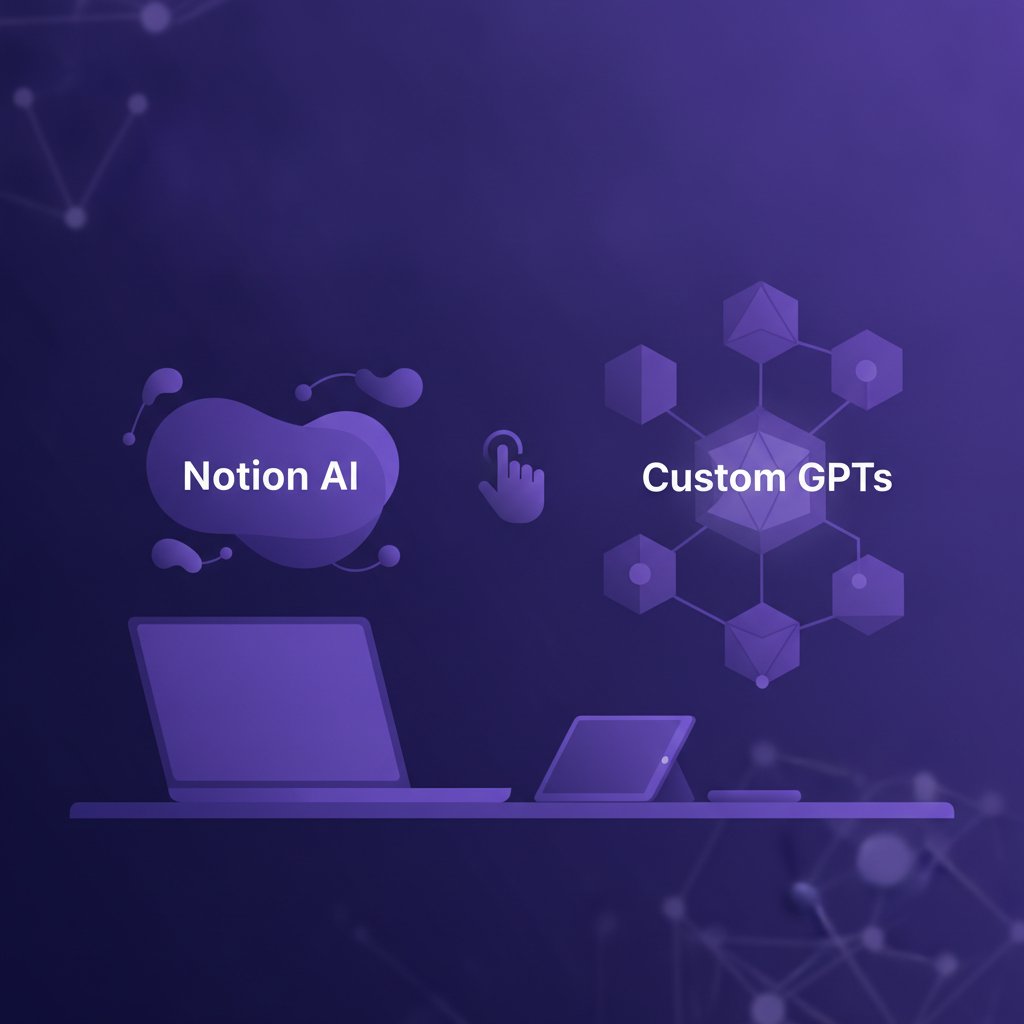
If you must choose just one tool for knowledge management, your decision should depend on where your biggest operational bottleneck lies today.
Choose Notion AI if your primary pain point is organization and document retrieval. If you already store your notes, content calendars, and project lists inside Notion, adding Notion AI eliminates context switching. It excels at finding lost details across vast workspaces and automating repetitive database categorization without manual maintenance.
Choose Custom GPTs if your primary pain point is output quality and nuanced generation. If your knowledge base consists of stable reference files (like brand rules, standard operating procedures, or technical documentation) that rarely change, a Custom GPT will give you significantly better writing, analysis, and execution tasks.
Key Takeaways
- Notion AI excels at workspace integration: Choose it if your main struggle is document retrieval, organization, and automated database summarization across dynamic day-to-day notes.
- Custom GPTs excel at execution depth: Choose them if you need strict tone alignment, complex multi-step drafting, and deep reasoning over stable reference files.
- A hybrid workflow maximizes output: Draft and strategize in a Custom GPT, then transfer the output to Notion where Notion AI handles execution, tagging, and long-term organization.
- Account for maintenance costs: While base costs for both tools sit in the approximate ~$8–$25/month range each, factor in optional middleware fees if you build automated sync pipelines.