How to Write SOPs with ChatGPT: My 4-Step Process
At a glance
- In shortA 4-step process for solopreneurs to turn raw brain dumps into structured SOPs with ChatGPT.
- Best forSolo entrepreneurs and creators wanting to delegate tasks
- Tools coveredChatGPT, Claude, ElevenLabs
- PricingFreemium
- Skill levelBeginner
- Key pointsCapture a raw brain dump using voice notes or messy lists instead of writing. · Feed ChatGPT a structured prompt covering tools, steps, and quality control. · Add edge cases and export the final SOP into Markdown format.
- Heads-upChatGPT cannot invent operational nuance without your specific raw notes.
Six months ago, I tried bringing on a part-time assistant to help edit short-form videos for one of my YouTube channels. I recorded a rushed five-minute voice note, sent over a bulleted list of vague instructions, and expected magic. The first draft came back with the wrong aspect ratio, incorrect fonts, and captions covering the main subject of the video. It was completely unusable.
The problem wasn’t the freelancer. It was my complete lack of a repeatable system. When you operate as a solo entrepreneur—running multiple content sites and video channels—your operational knowledge usually lives entirely inside your head. The moment you try to delegate a task to a freelancer or hand a workflow over to an automation builder like Zapier or Make, everything breaks down without clear documentation.
Standard Operating Procedures (SOPs) fix this. However, sitting down to draft twenty-page procedural documents is a fast track to burnout. That is why I started using AI to draft my documentation. Here is the exact process I use to write SOPs with ChatGPT so I can scale my operations without spending all day writing manuals.
Why Most Solo Creators Fail at Writing SOPs
Before using AI for documentation, I made the classic mistake of trying to write perfect SOPs from scratch in Notion. I would open a blank page, type out a few steps, get bored, and abandon the document halfway through. Sound familiar?
Traditional SOP creation fails solo business owners for three reasons:
- It takes too long: Writing step-by-step instructions for tasks you do on autopilot feels like pulling teeth.
- It is too rigid: Your workflow changes every few weeks as new software updates drop or new tools enter your stack.
- It assumes perfect memory: You forget small, critical sub-steps because your brain performs them automatically without conscious thought.
Using ChatGPT changes the dynamic entirely. Instead of acting as the author, you act as the subject matter expert and editor. You provide raw, unfiltered context, and the AI handles the structure, formatting, and clarity.
Step 1: Capture a Raw Brain Dump (Stop Writing Manually)
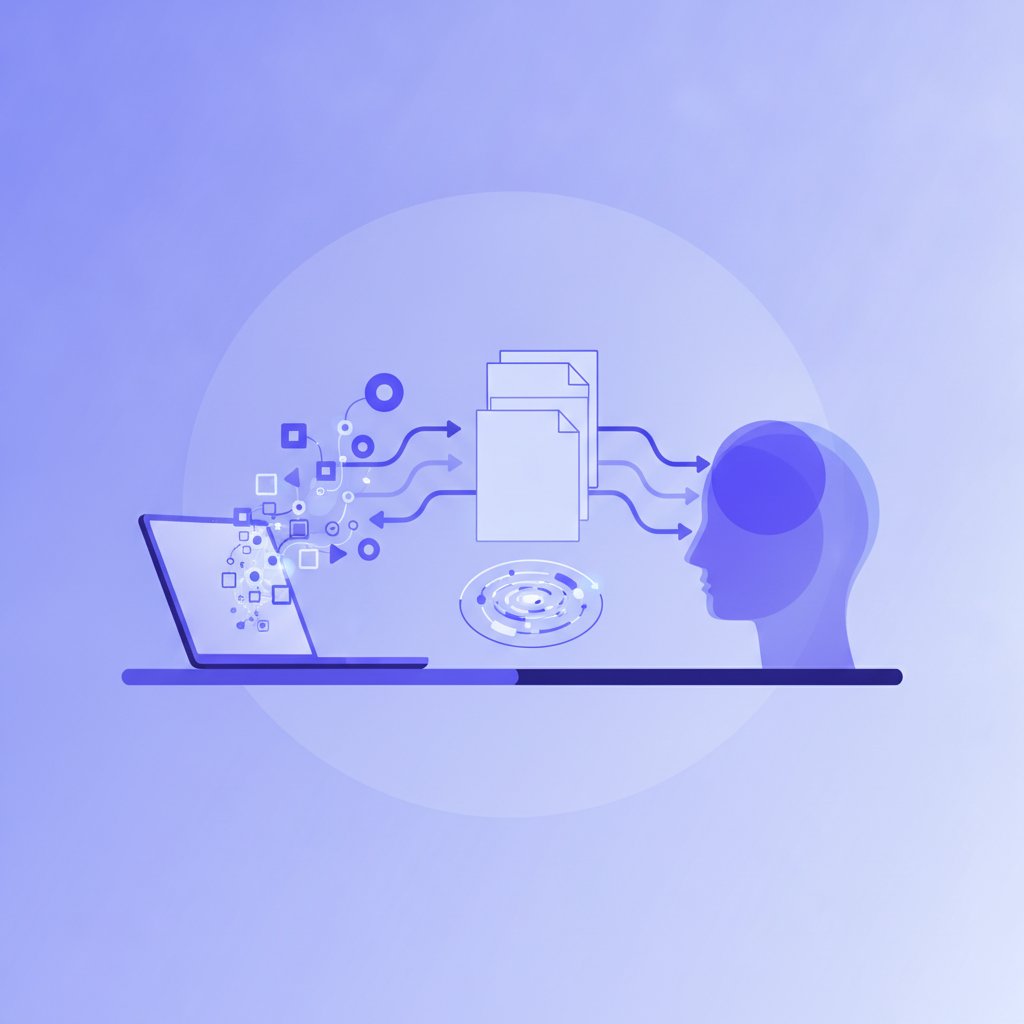
The biggest mistake you can make when trying to write SOPs with ChatGPT is trying to write neat, polished prompts. Do not attempt to write a clean paragraph explaining your process. It defeats the entire purpose of saving time.
Instead, perform the task once while talking out loud. You can use a free screen recording tool or a audio voice memo on your phone to record yourself doing the work in real time.
When I created the SOP for my WordPress blog publication pipeline, I turned on a voice recorder and simply talked through my actions:
“First I open the draft in WordPress. Then I set the featured image, making sure it is 1200 by 630 pixels. Next, I check the URL slug to make sure it matches the focus keyword. I open Rank Math to check the score… if the snippet meta description is blank, I write one under 150 characters…”
If you don’t want to record audio, write a completely unorganized list of bullet points. Throw in your acronyms, your shorthand, and your messy notes. ChatGPT excels at turning messy input into structured output.
Step 2: Feed ChatGPT a Structured SOP Framework Prompt
Once you have your messy audio transcript or rough notes, paste them into ChatGPT. To get a high-quality procedure, you must instruct the model to adopt a specific organizational framework.
Here is the exact prompt template I use across my business:
“Act as an operations manager specializing in digital content workflows. I will provide raw notes describing a routine task. Turn these notes into a clean, easy-to-follow Standard Operating Procedure (SOP).
Structure the document with the following sections:
- Objective: A one-sentence explanation of what this task accomplishes.
- Prerequisites & Tools: A list of accounts, credentials, software, or files needed before starting.
- Inputs & Outputs: What raw assets are required to begin, and what final asset must be delivered.
- Step-by-Step Instructions: Action-oriented steps grouped logically. Use bold text for UI buttons or menu items.
- Quality Control Check: A brief checklist to review before marking the task complete.
- Troubleshooting & Common Failure Points: Potential issues and how to resolve them.
Here are my raw notes: [PASTE YOUR RAW NOTES OR TRANSCRIPT HERE]”
By enforcing this structure, you prevent the AI from generating useless walls of generic text. You get a document that a human contractor or an AI prompt generator can immediately follow.
Step 3: Add Edge Cases and Failure Scenarios
AI models are inherently optimistic. When ChatGPT writes an SOP, it usually assumes every API key works, every video exports on the first try, and every software interface remains unchanged forever. Real life does not work like that.
When I set up the SOP for rendering synthetic voiceovers in ElevenLabs and auto-syncing captions in CapCut, the initial ChatGPT draft omitted what to do when the audio file failed to align with the visual track.
Read through the AI-generated draft and explicitly prompt for failure points:
“Rewrite Section 6 (Troubleshooting) to include the following edge cases: What should the operator do if the software throws a rendering error? What if the file format isn’t supported? Add specific instructions for handling these two issues.”
This single step will save you dozens of slack messages or emails from confused freelancers down the road.
Step 4: Format for your Operations Hub (Notion, Google Docs, or Markdown)
An SOP sitting in a temporary ChatGPT chat window is completely useless. You need a centralized location where procedures can be read, updated, and connected to your actual project management system.
Ask ChatGPT to output the final version in clean Markdown format:
“Convert the final SOP above into clean Markdown so I can copy and paste it directly into Notion.”
I store all my operational procedures in a simple Notion database. Each record links directly to the specific project board where my editorial schedules and video pipelines live.
| Task Type | SOP Update Frequency | Primary Tool Stack |
|---|---|---|
| Blog Publishing | Quarterly | WordPress, Notion |
| Video Post-Production | Monthly | CapCut, ElevenLabs |
| Social Syndication | Bi-annually | Make, Zapier |

My Take on Using ChatGPT for SOP Creation
Using ChatGPT to write SOPs has transformed how I run my media properties as a solo founder, but you need to maintain realistic expectations about what the tool can and cannot do.
ChatGPT is fantastic at formatting, organizing messy thoughts, and structuring technical documentation. However, it cannot invent operational nuance that you didn’t provide. If you give it a lazy two-sentence input, you will get a generic, useless SOP. The quality of your documentation directly reflects the quality of your initial brain dump.
In terms of tooling, you can comfortably start this process using the free tier of ChatGPT. If you process long voice audio transcripts, upgrading to a paid tier (typically in the $20/month range for standard subscriptions across major providers like OpenAI or Anthropic) is worth considering for larger context windows. Always check the official OpenAI pricing page to review their current plan structures and API usage rates before committing.
If you find ChatGPT hallucinates software steps for visual interfaces it hasn’t seen recently, consider pairing it with Anthropic’s Claude or uploading actual screenshots of your workflow alongside your prompt.
Frequently Asked Questions
Can ChatGPT write SOPs automatically without my input?
No. ChatGPT cannot guess how your specific business operates. It requires your raw notes, voice transcripts, or process outlines to generate an accurate SOP. Without your input, it will only produce high-level generic advice rather than a usable internal manual.
What is the best prompt format to write SOPs with ChatGPT?
The best approach is to define a clear role (e.g., “Act as an operations manager”), demand a rigid section layout (Objective, Prerequisites, Steps, Quality Control), and provide raw unstructured text for the model to convert. Instructing the AI to use bold text for UI buttons or navigational items also significantly improves readability.
Where should I store SOPs once ChatGPT generates them?
Store your finished SOPs in a centralized team wiki or document manager like Notion, Coda, or Google Docs. Make sure your SOP database is linked directly to your active task boards so you or your contractors can access instructions with a single click while working.
More on AI Systems & Workflows
- ChatGPT Memory & Context ManagementHow solo creators can maintain long-term context and consistent brand voice across ChatGPT projects.
- Building a Notion AI Content CalendarExplains how to build a Notion AI content calendar to automate outlines, metadata, and editorial tracking.
- Building a ChatGPT Knowledge BaseA step-by-step guide to structuring a personal ChatGPT knowledge base for content workflows.
See every AI Systems & Workflows post in our AI Writing & Chatbots guide.
Handy toolsAI tool ROI calculator · AI tool pricing · AI Tool Finder